Copilot in retail business: unlocking new opportunities
SSPR (Self-Service Password Reset) is one of the services of Azure Active Directory, a cloud-based solution that is responsible for identifying users and granting them access.
This service allows company employees to change or reset their own passwords without the help of an administrator. It may seem like a small thing. But what happens in organizations that don’t use Azure AD SSPR?
In this case, 20-30% of the support team’s working time will be spent restoring access. Employees often forget their passwords, especially if they are complex, as required by information security rules. In addition, when a password expires, employees do not always change it in time and are forced to contact administrators to regain access to their accounts.
In organizations with many employees, such requests become an endless stream. Companies have to direct a significant portion of their IT staff’s efforts to recover passwords from forgetful colleagues.
With Microsoft’s SSPR feature, this problem simply disappears. Employees can reset their passwords on their own. What do you need to do this? Just click on the “Forgot your password?” button when you log in and follow the simple instructions. The system will offer one of the following methods of identity verification: entering a password in the Microsoft Authenticator mobile application, an SMS or phone call, an email with a code, control questions, etc.
Azure AD Self-Service Password Reset allows each organization to set up any of these verification methods in accordance with their own security policies. It is recommended to provide multiple alternative methods in case one of them fails or is unavailable for some reason.
Thus, thanks to the SSPR feature, it takes 1-2 minutes to reset a password on your own. The employee doesn’t have to wait for the help desk to resolve the issue, and the help desk is freed from a large amount of routine.
As a result, employees have less downtime, and IT can focus their efforts on higher-priority tasks.

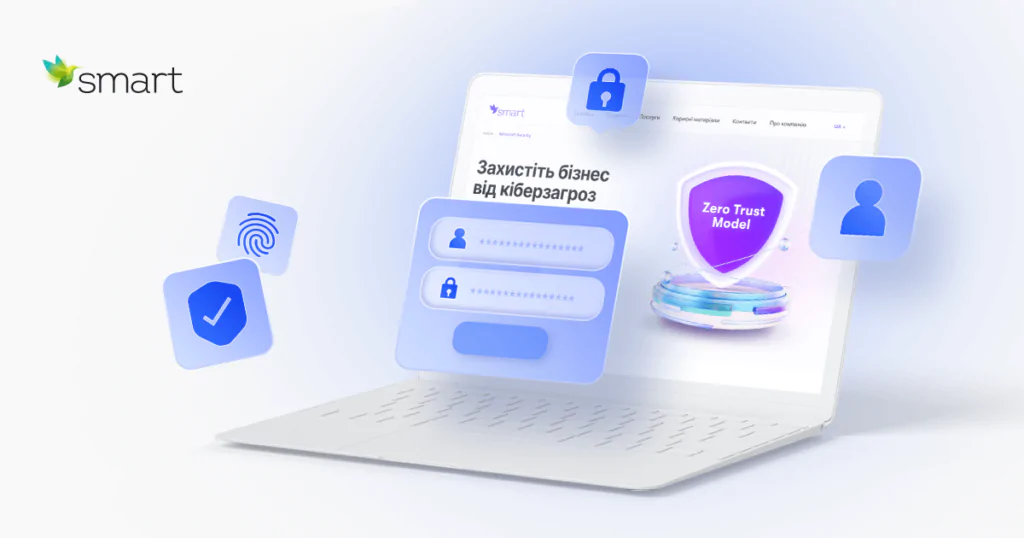
Security Identity services, which include SSPR, are the first fundamental security layer in the Zero Trust model. It is based on the idea that access to a company’s IT resources and data can only be granted after appropriate identification, authentication, and security assessment. The key principle of the Zero Trust model is “Never trust, always verify”.
If you would like to learn more about Microsoft’s Self-Service Password Reset feature as well as conduct an audit of existing IT security solutions in your company, leave a request for a consultation. The SMART business team will provide practical recommendations for strengthening protection against cyber threats and help you deploy the necessary Microsoft Security services.